If you’re wondering where to buy laptop before you head off to study, start with the “why.”
Education remains one of the top uses for a laptop, alongside professional work, as the single largest use case overall, and two 2025 data points show that need hasn’t eased up.
First, Jisc’s 2024/25 Digital Experience Insights survey of more than 15,000 UK higher-education students found that 37% had lacked access to a suitable device at some point during their studies — a gap the report found hit international students harder than domestic ones.
Second, EDUCAUSE’s 2025 Students and Technology Report found that in the US, only 69% of students are satisfied with their institution’s tech services overall, a figure that climbs to 85% at colleges students rate as technologically “cutting-edge” and drops to 34% at ones seen as lagging.
Both point to the same conclusion: owning a reliable personal laptop is one of the few variables a student can control directly, regardless of how well-equipped their campus is.
That’s exactly why the choice is worth getting right before you arrive.
While universities don’t explicitly require students to own a laptop, most programmes and courses rely heavily on digital learning platforms and online materials, making it practically necessary to have one.
Knowing where to buy laptops for cheap, though, can be tricky for international students, especially if your university doesn’t offer free laptops or iPads.
But the benefits often outweigh the cost. This means you don’t have to spend hours in your university’s computer labs or squeeze in available timeslots, hoping you’ll finish your assignment within the allocated period.
It’ll also make replaying lectures and going through slides much easier, especially if you do it from the comfort of your own room or dormitory.
What should you even get, anyway?
TL;DR? Here’s the summary:
- Five laptops made our 2026 picks: MacBook Air (M5), Acer Swift Go 14, Lenovo IdeaPad Slim 3 Chromebook, ASUS Zenbook 14 OLED, and Dell 14 Plus
- Prices for the same laptop vary widely by country — sometimes by hundreds of dollars once converted, so don’t assume your home-country price applies abroad.
- This article features five laptops that students can consider for their higher education studies abroad.
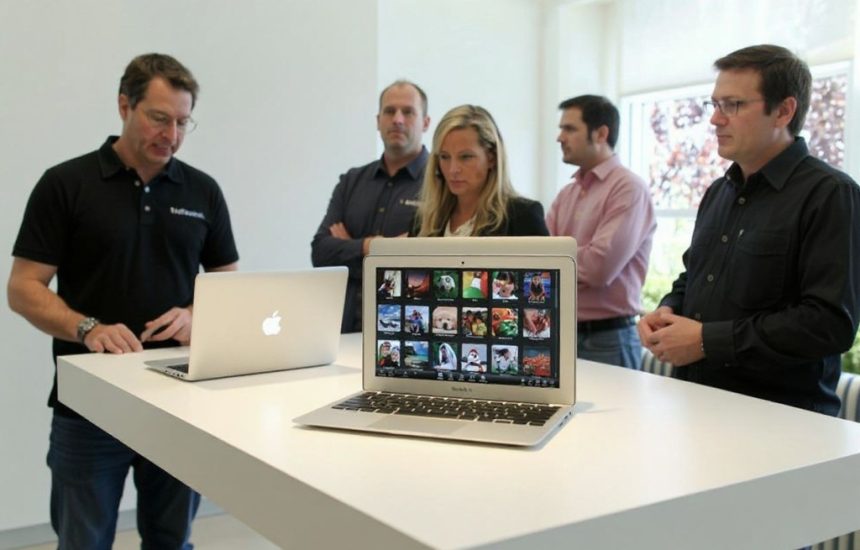
With a light frame and easy-to-navigate system, the MacBook Air remains one of Apple’s top entry-level laptops for students.
The Study International laptop recommendations
Depending on your degree programme, the best laptop will vary, but they usually share similar qualities. They’ll have:
- A long-lasting battery life, making it easy to carry around without its charger
- A sharp, bright display with accurate colours, especially for design students
- A nice keyboard, preferably one that isn’t too loud and clicky
- Ports for peripherals or external displays, perfect for in-class presentations
Study International’s top picks for 2026 are:

A reliable laptop isn’t optional for most degree programmes anymore — it’s part of the packing list.
MacBook Air (M5)
If you can afford to splurge a little, go for thebest student laptop on the market.
Apple refreshed the Air in March 2026 with the M5 chip, a faster CPU, and a Neural Accelerator in every GPU core for AI workloads. Storage now starts at 512GB — double the previous base — and the laptop adds Wi-Fi 7 and Bluetooth 6.
With a light frame and easy-to-navigate system, the MacBook Air remains one of Apple’s top entry-level laptops. More than that, it has been proven to run intensive tasks without any major setbacks.
It also has a long battery life — up to 18 hours, according toCNET — andsilent running makes the MacBook Air an ideal laptop for an all-rounded student experience. No need to worry about your laptop chugging during classes.
The MacBook Air is ideal for students looking for a thin, light laptop to write papers, browse the web, and consume media, and even runs video editing and 3D graphics well.
Acer Swift Go 14
For most people, Apple is a pricey brand — and that’s perfectly alright! Our next pick is the Acer Swift Go 14, which is a more affordable, mid-range option suitable for college and university students.
What stands out is its versatility. It’s compact, lightweight, and has great specs. Current configurations pair an Intel Core Ultra processor with a 14″ 2.8K OLED display, 16GB of RAM, and a 512GB SSD, with Wi-Fi 7.
The battery lasts around 11 hours of light use, and you can charge it via USB-C, so you don’t have to deal with a proprietary charger.
Typing on it feels smooth, and it comes with a large touchpad, 1080p webcam, Wi-Fi 6E, and a wide port selection that includes two Thunderbolt 4s and an HDMI.
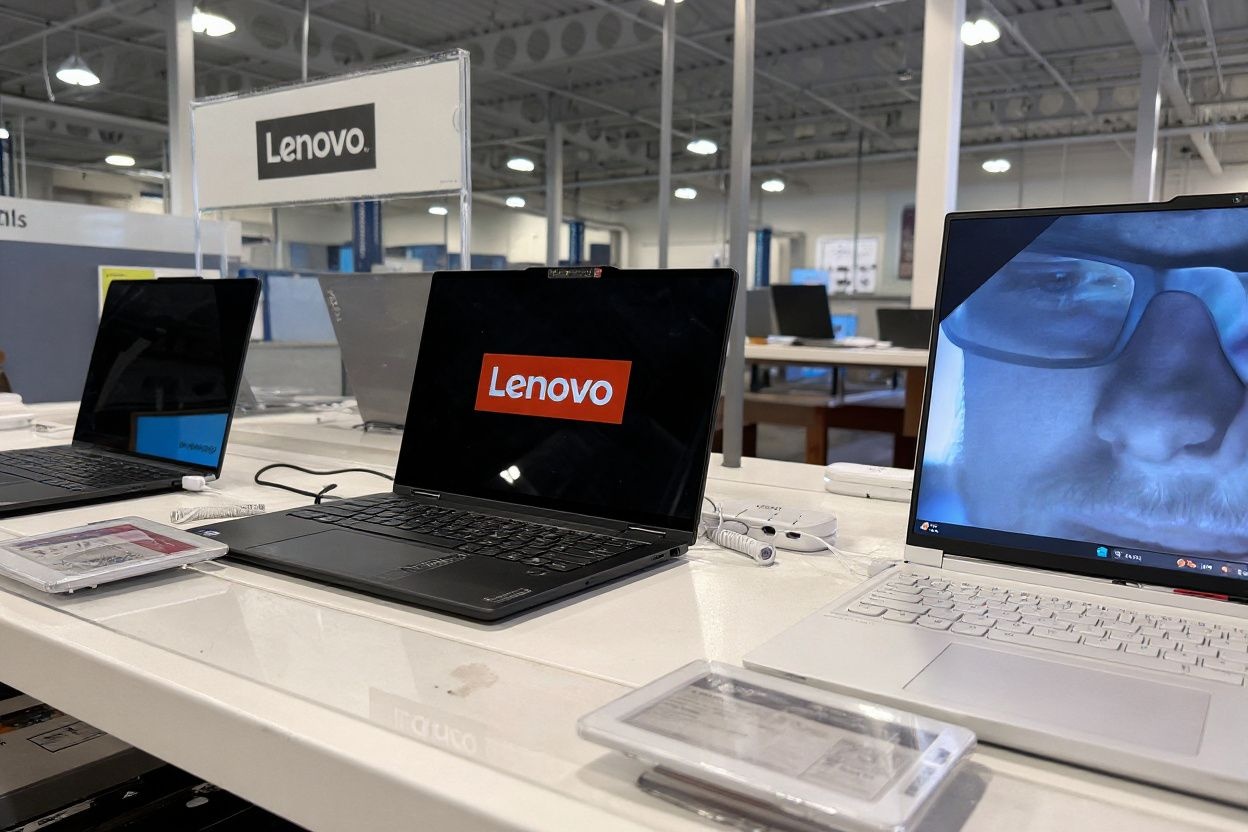
For students who just need to write, browse, and join video calls, a Chromebook can cost a fraction of the alternatives.
Lenovo IdeaPad Slim 3i Chromebook 14
For those looking for a cheap laptop for college and university, the Lenovo IdeaPad Slim 3i Chromebook 14 is our pick.
If all you need is a simple device to browse the Internet, write assignments, and listen to lectures and music, this is a great option.
Its compact design makes it easy to carry around, and its battery lasts about 13 hours of light use. It even comes with a 1080p webcam, which is surprising for a budget-friendly Chromebook.
ASUS Zenbook 14 OLED
If display quality matters most to you — think design, film, or media students — the Zenbook 14 OLED punches well above its price.
The 2026 refresh pairs a 14″ 2880×1800 OLED panel (120Hz, 100% DCI-P3, 600-nit HDR peak) with an Intel Core Ultra or AMD Ryzen AI processor, 16GB of RAM, and a 512GB–1TB SSD, all in a chassis under 1.3kg.
ASUS rates the battery at over 15 hours, and the OLED Care pixel-shift feature helps guard against burn-in over the years of daily use.
Dell 14 Plus
If you want a solid Windows laptop with a battery that actually lasts, check out the Dell 14 Plus.
The entry configuration comes with a fast processor, 32GB of memory, 1TB of storage, and a sharp 14″ screen that’s easy on the eyes.
You also get strong battery life, fast Wi-Fi, and enough ports to skip carrying a dongle — two USB-C slots, a regular USB slot, HDMI for hooking up to a monitor or projector, and a headphone jack.
There’s no gimmick here. Just a machine that’ll carry you through a full day of classes without needing a charger nearby.
Are you curious to know whether it is cheaper to buy a laptop in a specific country? Let’s compare prices in some of the most popular study-abroad locations.

The same laptop can cost hundreds more or less depending on where you buy it.
Where to buy laptops: Are they cheaper in the US, UK, or Canada?
We’ll refer to prices on reputable sites such as the official brand websites.
Apple also offers additional discounts for students as long as they have valid proof that they are currently enrolled or newly accepted into an eligible higher education institution.
Note that seasonal sales may also lower the prices even further, so make sure to check them out thoroughly if you’re looking for where to buy laptops online!
US
The MacBook Air with M5 starts at US$1,099 for the 13″ model, or US$999 for education pricing. Apple’s confirmed the 15″ model starts at US$1,299 (US$1,199 for education).
The Acer Swift Go 14 lists from US$799.99 direct from Acer’s US store for an Intel Core Ultra 5, 8GB RAM, 512GB SSD, OLED configuration.
The Lenovo IdeaPad Slim 3i Chromebook 14 starts from US$319.99.
The ASUS Zenbook 14 OLED begins at US$1,399.99 while the Dell 14 Plus is valued at US$1,699.99.
UK
The latest MacBook Air with the M5 chip starts from 999 pounds (US$1,290.45) with tax included.
The Acer Swift Go 14 starts from 799.99 pounds (US$1,033.85).
The Lenovo IdeaPad Slim 3i Chromebook 14 is not available on the official Lenovo website anymore, but it offers a similar alternative. The IdeaPad Slim 3i Gen 8 starts from 699 pounds (US$928.95) and has slightly better specs, such as rapid-charging technology, blue light certification to reduce fatigue, and even noise cancellation.
The ASUS Zenbook 14 OLED lists at 799.99 pounds (US$1,063.27) on ASUS’s own UK store.
The Dell 14 Plus lists at 899 pounds (US$1,194.88) direct from Dell.com

Windows or Mac? The right answer depends less on preference and more on what software your course actually requires. Source: Pexels
Canada
The latest MacBook Air with the M5 chip starts from 1,249 Canadian dollars (US$866.61).
The Acer Swift Go 14 starts from 1,099.99 Canadian dollars (US$763.02).
The Lenovo IdeaPad Slim 3i Chromebook 14 starts from 489.99 Canadian dollars (US$339.87).
The ASUS Zenbook 14 OLED lists at 1,799.99 Canadian dollars (US$ 1,275.28) on ASUS’s own Canadian eShop.
The Dell 14 Plus starts at 1,789.99 Canadian dollars (US$ 1,268.19) direct from Dell.com.
China
The latest MacBook Air with the M5 chip starts from 9,999 Chinese yuan (US$1,377.18).
At the time of writing, the prices online for the Acer Swift Go 14 and the Lenovo IdeaPad Slim 3i Chromebook 14 were unavailable.
India
The latest MacBook Air with the M5 chip starts from 149,900 rupees (US$1,565).
The Acer Swift Go 14 starts from 79,999 rupees (US$918.62).
The Lenovo IdeaPad Slim 3i Chromebook 14 is not available on the official Lenovo website anymore, but it offers a similar alternative. The Lenovo V14 Gen 4 starts from 64,640 rupees (US$675.09).
ASUS Zenbook 14 starts at 1,15,990 rupees (US$1,211.39) available on Amazon and the ASUS Eshop.
The Dell 14 Plus is tracked at 1,12,490 rupees (US$1,174.84) by Digit, matching the same Core Ultra 7 256V, 16GB RAM, 512GB SSD configuration.

The MacBook Air with M5 chip now ships with double the storage of last year’s model — and a higher price tag to match. Source: Pexels
Australia
The latest MacBook Air with the M5 chip starts from 2,099 Australian dollars (US$1,463.29).
The Acer Swift Go 14 also starts from 1,159 Australian dollars (US$807.98).
The Lenovo IdeaPad Slim 3i Chromebook 14 is no longer available on the official Lenovo website. You can purchase a similar laptop, such as the IdeaPad Slim 3i (14″, Gen 10), starting from 1,129 Australian dollars (US$739.61).
The ASUS Zenbook 14 OLED lists at 2,099 Australian dollars (US$1,463.29) on ASUS’s own Australia store.
Meanwhile, the Dell 14 Plus begins at 1,397 Australian dollars (US$973.90).
Japan
The latest MacBook Air with the M5 chip starts from 184,800 yen (US$1,128.51).
The Acer Swift Go 14 starts from 179,800 yen (US$1,097.98).
The Lenovo IdeaPad Slim 3i Chromebook 14 is not available on the Lenovo website anymore, but a similar alternative is the Lenovo IdeaPad Slim 3 Gen 10 (14-inch AMD), which starts from 114,870 yen (US$701.47).
The ASUS Zenbook 14 OLED is priced at 329,800 yen (US$2,013.98).
On the other hand, the Dell 14 Plus begins at 204,000 yen (US$1,245.76).
Frequently asked questions
Do I actually need a laptop for university in 2026, or can I manage with a tablet or phone?
Most programmes will technically run on a tablet with a keyboard case, but coursework involving spreadsheets, coding environments, statistical software, or long-form writing gets noticeably harder without a full OS and a proper keyboard.
Jisc’s 2024/25 data shows lack of a suitable device is still a real barrier for a meaningful share of students, particularly international ones — a laptop remains the safer default for most degree types.
Windows or Mac — which is better for international students?
Neither has a clear technical edge for coursework; the decision usually comes down to software your specific programme requires. Engineering, architecture, and some business analytics courses lean on Windows-only tools (certain CAD, simulation, and statistical packages), while design, film, and music programmes often standardise on macOS for compatibility with Adobe and Apple’s creative suite.
Check your department’s recommended software list before deciding, rather than picking a platform first.
Should I buy my laptop before I leave home or after I arrive?
Buying after arrival usually means better after-sales support (in-country warranty service and student discounts tied to local enrolment), but it also means a device-less gap during your first days of orientation and enrolment.
So, the ideal thing to do in such a situation is to bring a laptop you already own for the first few weeks. Then buy locally once you’ve confirmed your programme’s software requirements and you’re eligible for the destination country’s student pricing.
Disclaimer: This article was last updated on July 28, 2026.